
Threads and asking Collective
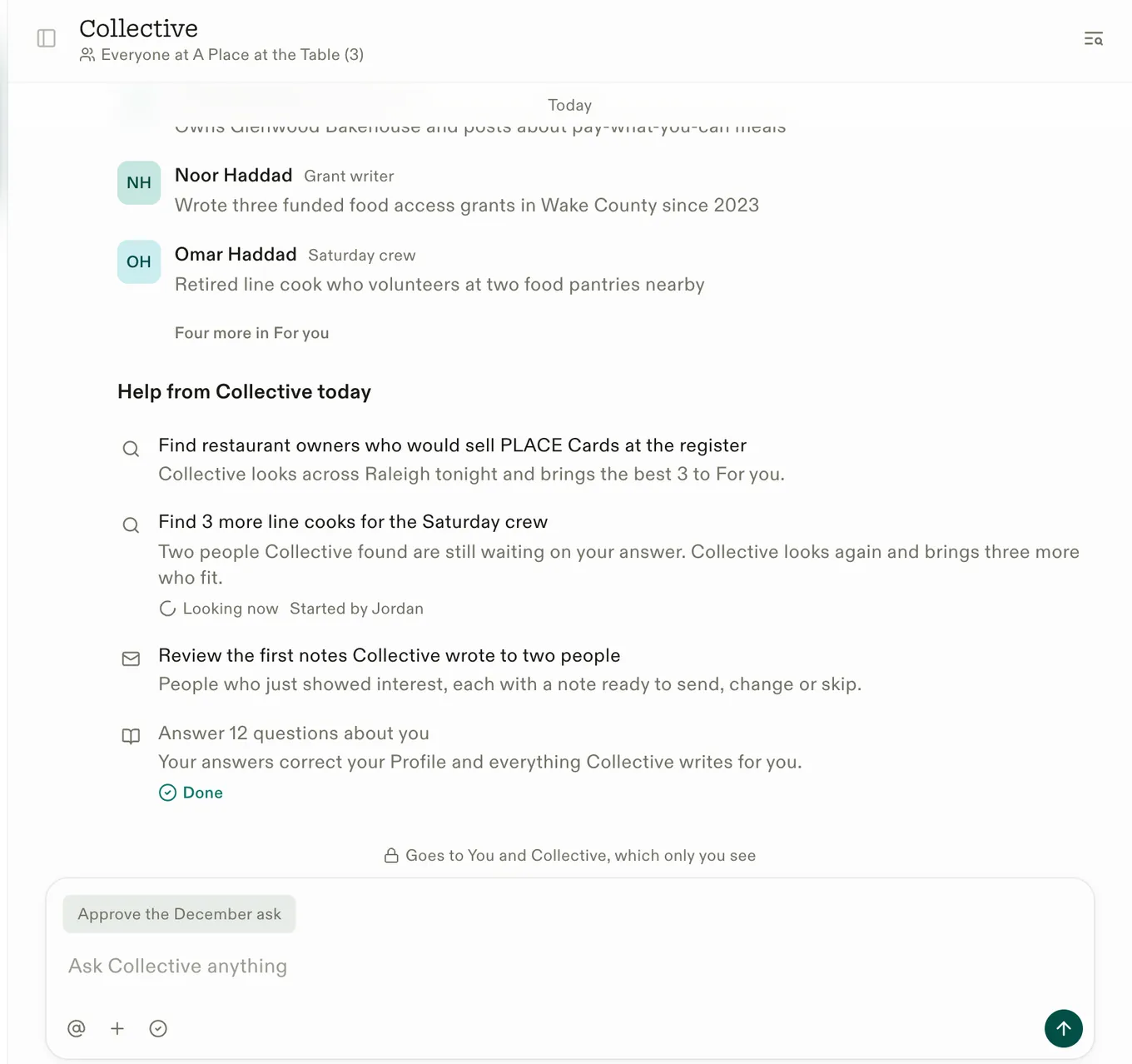
Every piece of work lives in a thread. Ask in plain words and Collective answers from your own data.
Your portal’s Home is a list of threads. Each one holds a piece of work: a question, a draft, a list of people, a donation to thank someone for. Open one to see what Collective did and what’s waiting on you.
Asking Collective
Write in any thread the way you’d write to a colleague. Collective answers from your organization’s own Wiki, people and donations. Not sure what to ask? Try one of these:
- “Who gave for the first time this month?”
- “What does our Wiki say about our after-school program?”
- “Draft a thank-you to our three biggest donors this year.”
- “Which of our posts did best last month?”
Teammates
Mention a teammate with @ to bring them into a thread. Messages addressed to a teammate are for them, so Collective stays quiet.
Talk to Collective
Talk to Collective is your own line to us. Help and feedback both land there: Collective answers in your own thread, and anything it can’t answer goes to our team. Open it from Help › Ask Collective at the foot of the rail.
Writing
Enter sends. Shift+Enter starts a new line.
More in Your portal
- IntrosTell us who your work needs, and people who fit arrive. You approve every note before it goes.
- Features and storiesHow your posts become stories people near you read, and how featuring works.
- Connections and integrationsThe sources Collective reads from, and how to connect each one.
- Keyboard shortcutsThe keys that move you around the portal.
Last updated November 9, 2026